Double Jump Bike Escape How to Use Scripts Safely
Executors, injection workflow, and what to do when scripts break after updates.
Running scripts in [W2] +1 Double Jump Bike Escape! is not part of normal Roblox gameplay. This guide explains the technical workflow so you understand the risks — not to encourage cheating. Scripts can ban your account and violate Roblox Terms of Service. Use at your own risk; we recommend fair play.
Before you start
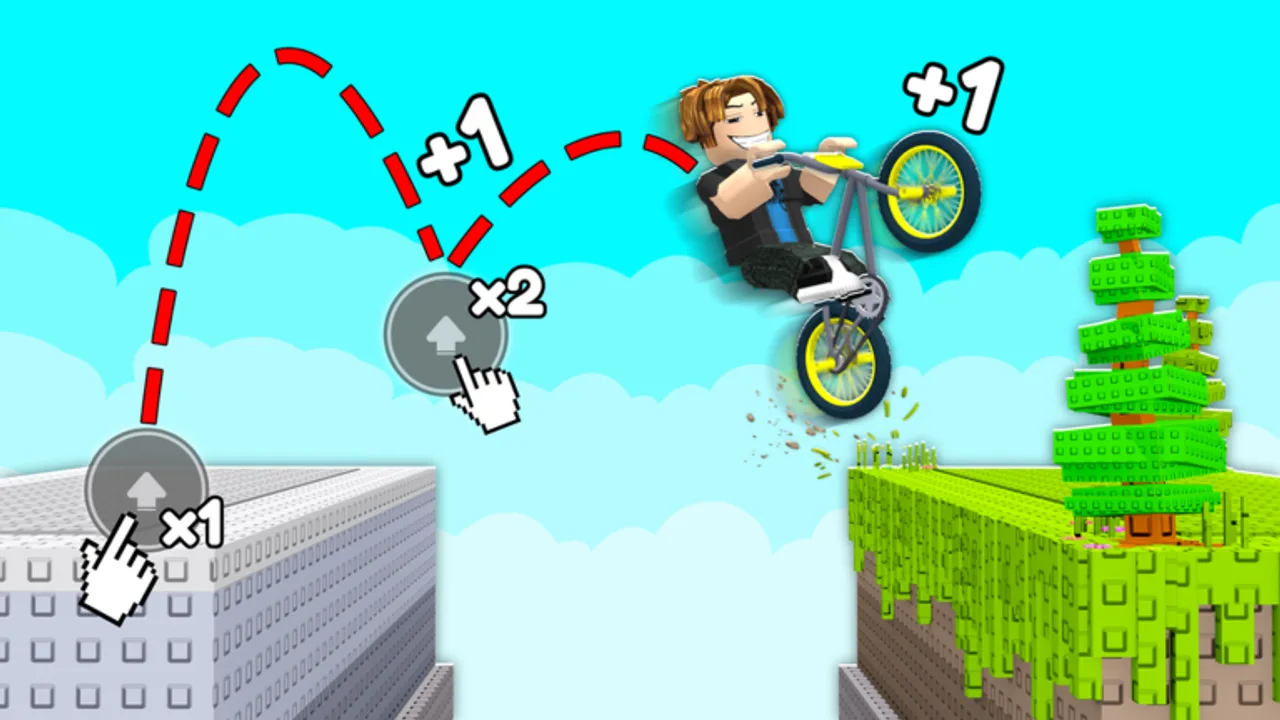
Ask yourself whether you actually need automation. The game rewards movement (+1 speed per step), double jumps, and rebirth multipliers that compound over short sessions. Most new players improve faster by reading the How to Play guide and learning controls than by installing an executor on day one.
If you proceed anyway, use a secondary Roblox account with no Robux, no rare items, and no friends list you care about.
What you need
- A Windows PC — most reliable executor support; Mac and mobile options exist but fail more often.
- An executor — third-party software that injects Lua into the Roblox client. Names change constantly; search current community lists and virus-scan every download.
- The game open — launch Double Jump Bike Escape and join a server before injection.
- A script source — this wiki embeds vetted entries on the Scripts hub via
<ScriptBlock />components instead of pasting random loadstrings from social media.
Never download “free Robux” bundles alongside executors — those are almost always credential stealers.
General injection workflow
While exact menus differ per executor, the flow is usually:
- Close Roblox completely if the executor requires a “attach before launch” mode.
- Open the executor as administrator (Windows) and wait for it to detect Roblox.
- Click Attach or Inject once the game is on the title screen or in a server.
- Open the script tab, paste or load the script, then press Execute / Run.
- Look for an in-game GUI — Gold Hub and similar scripts open overlay menus with toggles.
If injection fails, restart both Roblox and the executor. Duplicate Roblox processes in Task Manager are a common blocker.
Using wiki ScriptBlocks
On the Scripts hub and Auto Farm page, scripts appear as copy-ready blocks tied to src/lib/scripts-data.ts. Copy from the wiki button, paste into your executor, and execute — do not mix in random code from YouTube descriptions. Social posts often swap download URLs to malicious mirrors.
Feature toggles — start small
Automation scripts expose many toggles at once. Enable one feature, test, then add another:
- Auto Collect Coins — low risk visually, but still detectable.
- Auto Farm — runs movement loops; can trap your character in geometry after World 2 layout changes.
- Auto Win (Teleport) — highest scrutiny; win teleports trigger anti-cheat heuristics faster than farming.
- Auto Rebirth — can rebirth at bad thresholds and slow real progression; compare with the Rebirth Planner first.
HDLE Master utilities (fly, noclip, ESP) are obvious to other players and screenshots — expect reports.
Troubleshooting
| Problem | Likely cause | Fix |
|---|---|---|
| Executor will not attach | Roblox updated | Wait for executor patch or downgrade (risky) |
| Script runs but no GUI | Wrong game place / filtered URL | Re-copy from wiki ScriptBlock |
| Instant kick | Known exploit flag | Stop using that feature; join private server to test |
| Auto win does nothing | Win detection patch | Fall back to manual runs; read World 2 update notes |
| Lag and crashes | Infinite purchase loops | Disable Auto Buy Shop / Trails / Auras toggles |
After a game update
ChillyTea Studio ships frequent updates — the [W2] prefix marks World 2 content. Patch days often break loadstrings. Check the Updates hub and patch history before assuming a script is “patched forever.”
Legal and account consequences
Roblox prohibits unauthorized modification of the client. Penalties range from session kicks to permanent bans. Developer products and Gamepass purchases on a banned account are lost. Prefer buying Double Wins or a treadmill Gamepass over scripting if you want faster progression — see Gamepass review for value notes.
Fair-play alternative checklist
- Learn double-jump chains on the cheapest treadmill you own.
- Rebirth at smart thresholds using speed milestones.
- Unlock bikes in tier order via the Bikes hub.
- Claim legitimate codes when live.
Scripts are a convenience gamble; mastering routes stays valuable every patch.
Frequently Asked Questions
Quick answers to the most common questions.
Do I need a script key?
Many executors and scripts use key systems that change weekly. The wiki ScriptBlocks were keyless when documented — verify each session before running.
Can I get banned on the first use?
Yes. Roblox anti-cheat and player reports can flag accounts immediately, especially with teleport or fly features enabled.
Why does the script GUI not appear?
Usually injection failed, the game updated, or the download URL expired. Re-attach the executor and copy fresh from the wiki block.
Is it safer on a private server?
Private servers reduce player reports but do not stop Roblox server-side detection for win teleports or economy automation.
Should I use scripts on my main account?
No. Never run executors on an account with Robux, Gamepasses, or years of progress.
What is the safest script feature?
None are safe under Roblox ToS. Lower-visibility toggles still break rules — fair play is the only safe option.